
Start with the combination a customer can buy
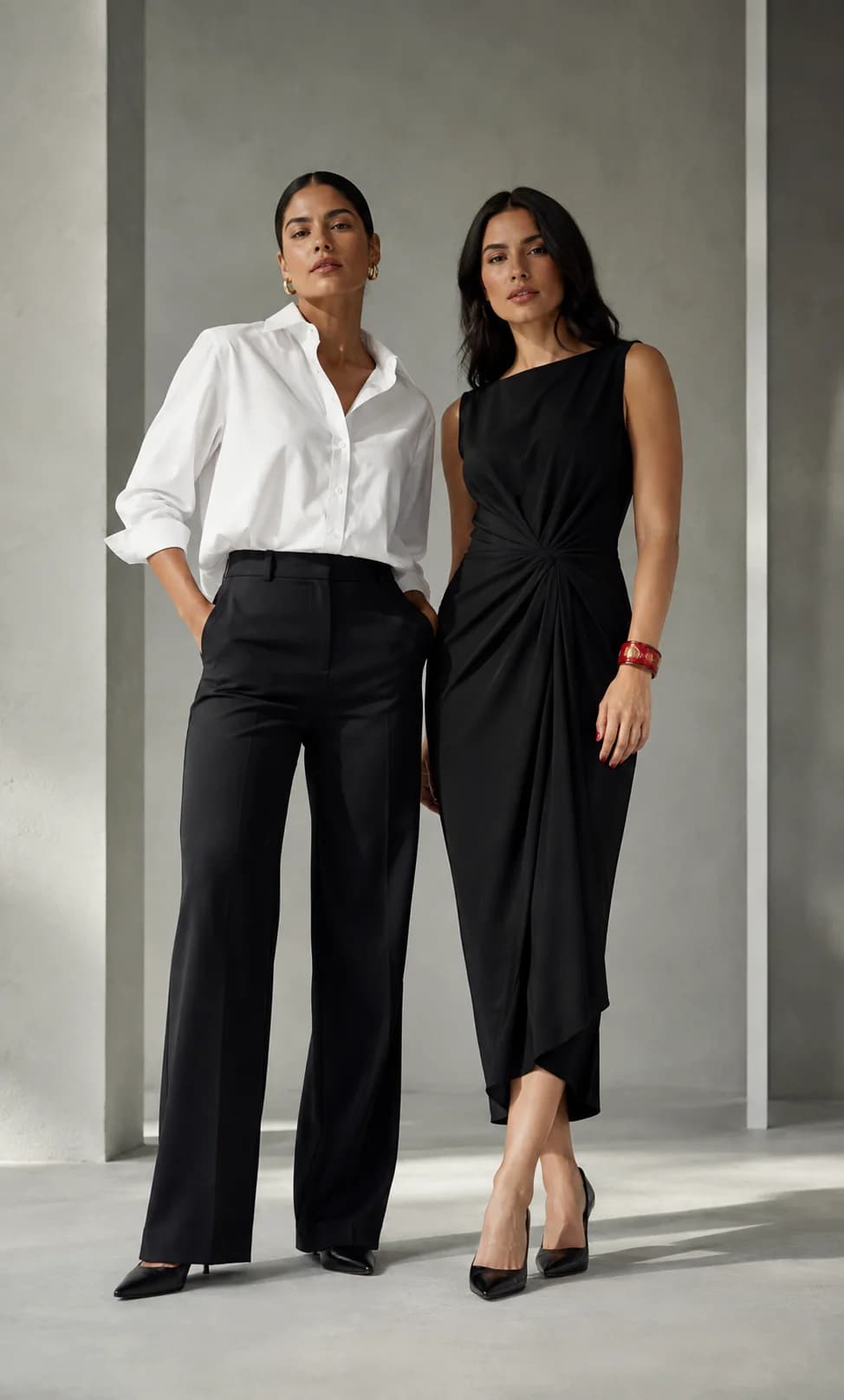
A dress may come in black and white, with several sizes for each color. Shopify represents these combinations as variants and allows their inventory to be managed separately. This structure distinguishes having units of a product from having the specific option a customer requested.
A size label needs context
S, M and L do not explain a garment’s fit on their own. Add your brand’s measurement guide, the units it uses and instructions for taking measurements. If the cut is fitted, loose or adjustable, describe that on the relevant product page.
Avoid turning a general reference into a promise about fit. If a measurement is needed to help a customer, identify which one informs the choice. A combined size like SM also deserves a product-specific explanation; do not assume it means the same thing for every garment.
LoBot reads how each set is composed
SellEasy reads a set’s composition from your ecommerce catalog. When you create a Shopify bundle combining two, three, four or more products, LoBot identifies the pieces it contains and their relationship to the set.
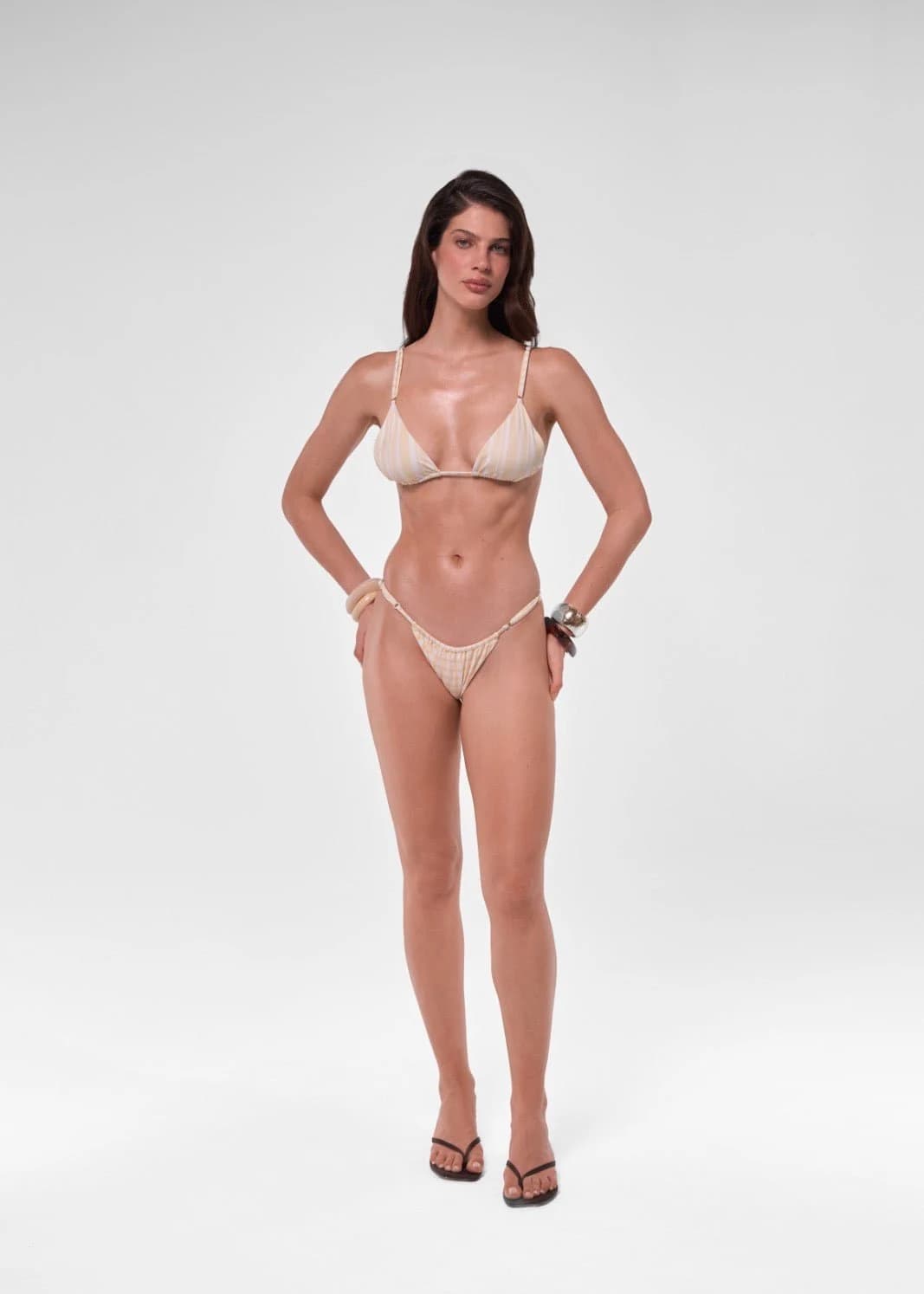
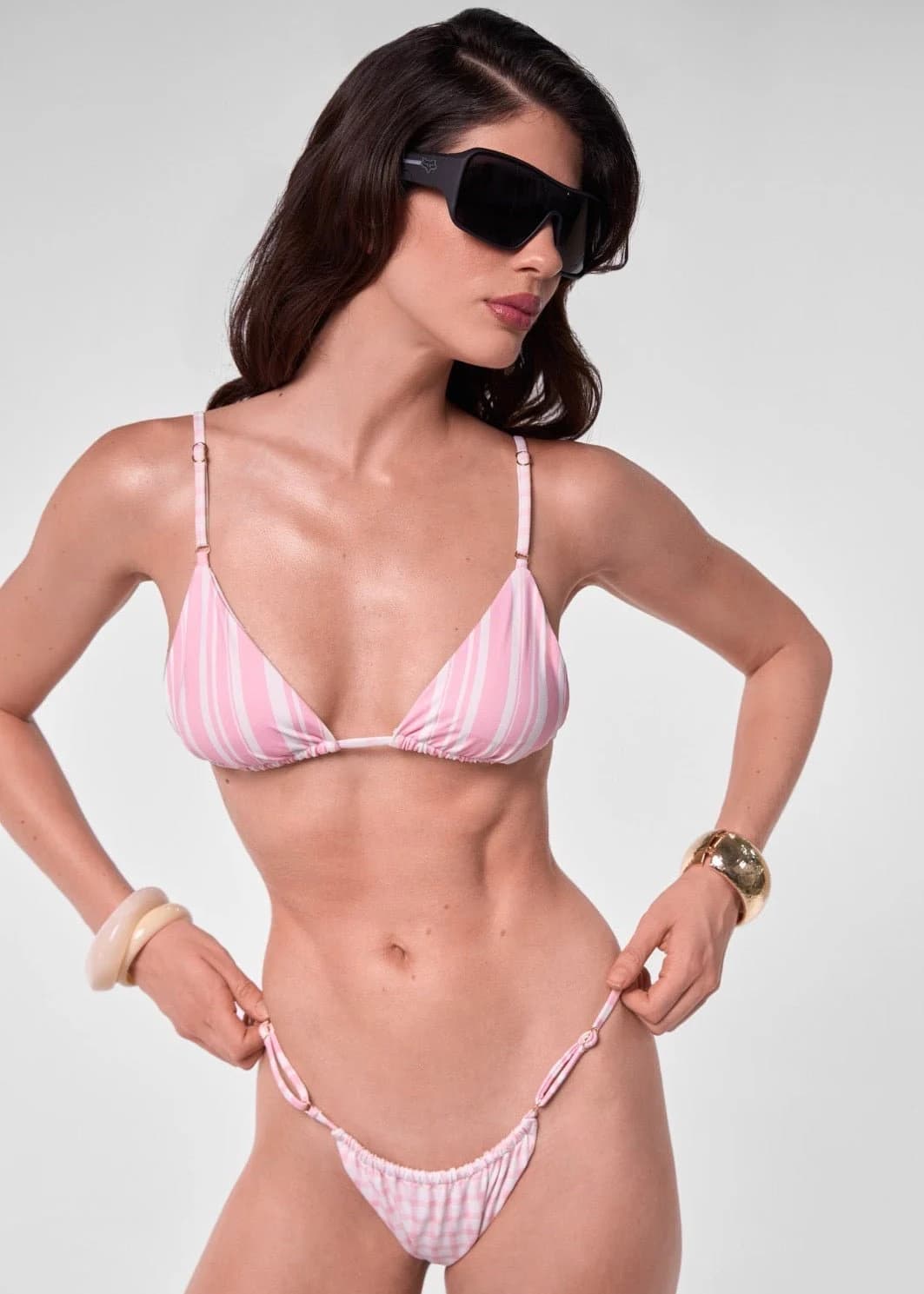
If the set is offered as a single product without separately sold pieces, LoBot treats it as one unit and keeps the size options configured for that product. When the bundle contains multiple products, it identifies each component and checks its size options and availability. For example, a top in S and a bottom in M, provided the catalog allows that combination to be purchased.
Choosing a size for each piece does not mean buying two sets: the bundle can retain a single price and be added to the order as one product. If the store also sells the pieces separately, LoBot works with those individual products according to how the brand sells them. A recommended cover-up is a separate product unless it is included in the bundle’s composition.
Review the catalog as a shopper would
Choose a garment with several options and work through these checks before expanding the catalog. These are editorial and operational review criteria, not data from an example store.
- The name identifies the product without relying on its photograph.
- Photos and descriptions match the design being offered.
- Each size and color combination has consistent availability information.
- The guide distinguishes garment and body measurements where relevant.
- The price clearly identifies included pieces and separate accessories.
- Sold-out and made-to-order options have clear conditions.
Keep a consistent source of information
For a synchronized catalog, make changes in the platform that manages it and check that they appear in SellEasy. Avoid maintaining conflicting stock lists in knowledge documents. Use those documents to explain policies, materials, care and questions the product details do not cover.
After changing a collection or measurement chart, try the recurring questions again. This review belongs in a collection launch alongside photographs and prices.